
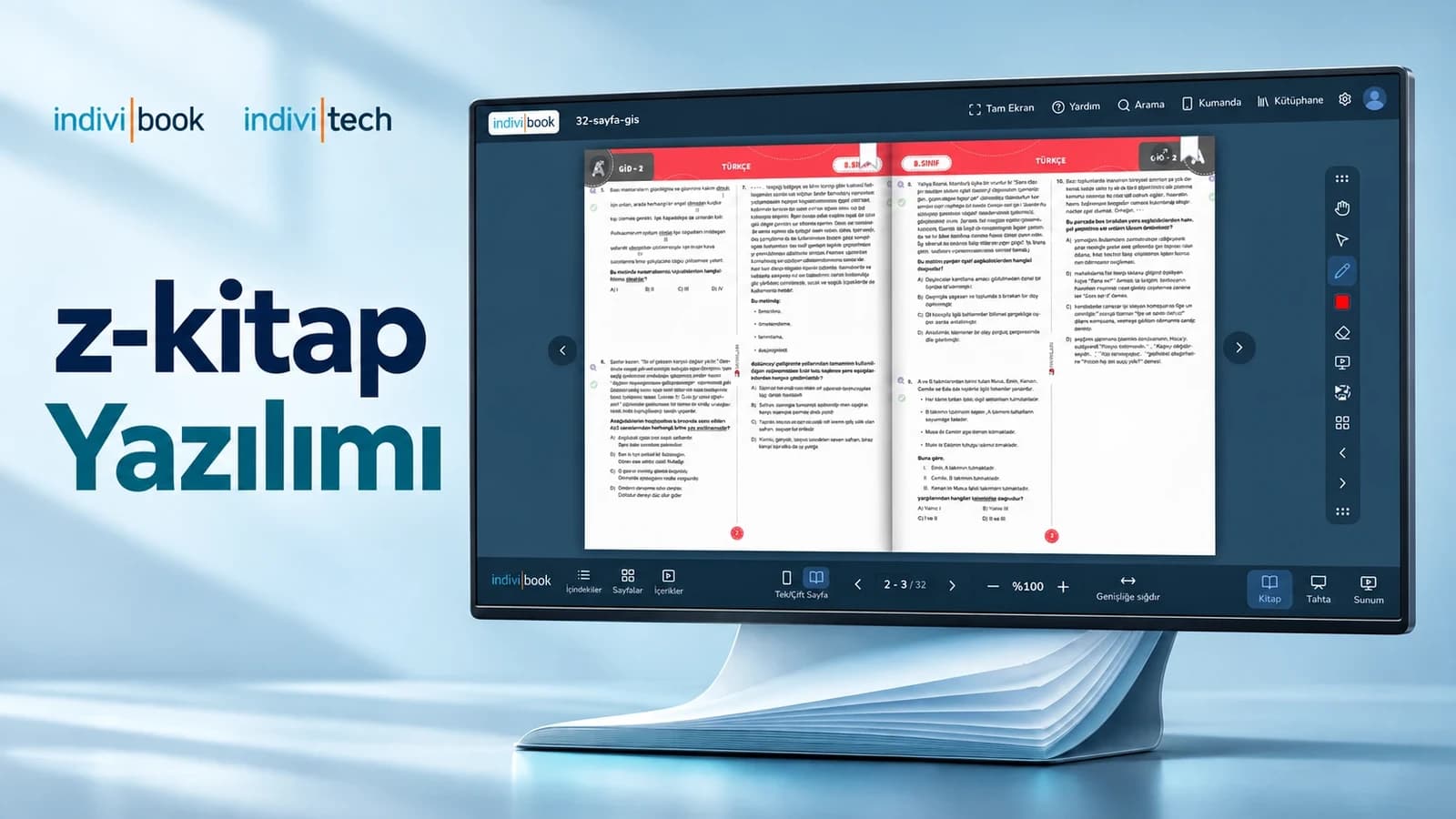
z-Book Software
z-Book software turns your PDF into an interactive book for the smart board in a few steps: AI prepares it, while approval, access and updates stay with you.
Your book's PDF can become an interactive z-Book that opens on the smart board in just a few steps. When you have a z-Book made, the biggest problem on your mind is this: how will I manage the digital edition without depending on someone else? Answer key corrections, the risk of piracy and a production round that starts over with every error are all parts of that problem.
What you expect from the software is that it converts your PDF and leaves the control with you as well. In the rest of this article you will first see the short workflow, then the control points in your hands and the teacher's board. At the end there is a trial plan you can apply to your own book.
What Does z-Book Software Do?
z-Book software enriches the PDF of your printed book with video, audio and activities. The result is an interactive publication that opens on the smart board and on different devices; well-designed software also lets you manage the distribution of that publication. A z-Book is the edition of a printed book enriched with digital content without its written text being touched. You can find the detailed definition in our z-Book guide.
According to an NTV report from March 2024, about 620,000 interactive boards were installed in schools under the FATİH Project, reaching about 99% of the classrooms in state schools. YAYBİR's banderole data for August 2026 also show that 69.3% of the books produced that month were educational publications. If you publish for education, these boards will be one of the most important places your product is used. This is why z-Book software is becoming a part of production planning for publishers.
Many tools offered on the market as enriched book software or interactive digital book software promise a similar conversion. The deciding question when you choose is who controls production and distribution.
The Workflow in indiviBook: AI Prepares, You Approve
indiviBook brings AI-assisted z-Book production together in four stages on a cloud-based digital publishing platform:
- File: you upload to the platform the PDF you sent to print.
- Automatic preparation: with question detection, AI marks the questions on the pages; it also extracts the Presentation Areas and the Contents.
- Your round: you review what was detected. You import the answer key from Excel, then add video, audio and activities.
- Publication: the book opens in the browser, on the smart board and in the Windows, Pardus, Mac, Android and iOS apps.
You can find the production steps in our article How to Make a z-Book. For Pardus compatibility and offline use, see our z-Book guide.
The division of labour in z-Book preparation software should be this clear: AI saves time, and you have the final say.
The Publisher's Desk: 4 Points That Keep the Control in Your Hands
You are the one who uploads the PDF, but your editorial role is concentrated in the third stage and continues after publication. When a digital edition is prepared, three things usually add to the load: dependence on a software company, the trouble of entering answers one by one, and the risk of an open PDF. The four points below respond to these.
Review and Correct What AI Detects
In a question bank of hundreds of questions you do not need to mark every question from scratch. The detected questions, Presentation Areas and Contents come to you before publication; you review them and correct what is needed. Editorial responsibility stays with your publishing team, as it does in the printed book.
Can the Answer Key Be Imported in Bulk from Excel?
Yes. You import your answer key from Excel, so the burden of entering hundreds of answers one by one disappears. If you already keep the answers in a table, that work pays off in the digital edition too. As manual entry decreases, so does the chance of an error slipping into the answers.
Can the Publisher Decide Who Accesses the z-Book?
You decide who accesses the book. The Turkish Publishers Association's 2025 Book Market Report shows that, alongside cost pressure, print and digital piracy also strain the sector. A PDF that circulates freely opens the door to unauthorised copying; with authorised distribution you limit access to the users you choose. You can clarify the details of the authorisation options with the support team.
Can the z-Book Be Updated After Publication?
Yes, you keep editing after publication. You correct a misprint you notice, or an error in the answer key, without starting a new production round. You can ask the support team during the demo how offline packages receive the update. In a period like this, avoiding every unnecessary production round eases the budget a little.
The Teacher's Board: How Does Your Publication Create Value in Class?
The real test of your book is in the classroom. In a mathematics lesson the teacher opens your question bank on the interactive board and enlarges the chosen question with a single touch. While the class thinks, the answer stays hidden; the teacher shows it at the moment they see fit. In the web version of the book, which opens in the browser, they take the question to the board and solve it beside it step by step.
A smart board does not make a difference on its own; the difference comes from the teacher's approach and the enriched content brought to the board. The video, audio and activities you add are the publisher's part of this equation. In the study by İlgün, Coştu and Köse (2024), teachers also found the z-Book effective for assessment and classroom management. The note of one participant, a primary school mathematics teacher, speaks directly to publishers:
“If the z-Book contained questions and explanations that foster higher-order thinking skills, I believe it would raise academic achievement further.” (translated from Turkish)
The same study also records that internet and electricity outages can cause access problems. A smart board z-Book app that works offline is no remedy for a power cut, but it reduces the disruptions caused by the internet.
The book the teacher prefers is the book the publisher sells.
Questions Asked Before Deciding
How Does z-Book Software Open on the Smart Board?
The teacher opens the indiviBook z-Book from the browser on the board or, depending on the board's operating system, from the Pardus or Windows app. There is also an offline option for classrooms without internet. Away from the board, the same book also works on Mac, Android and iOS devices.
Can I Try indiviBook Free with My Own Book?
Yes. The z-Book platform's free demo account opens immediately with an SMS code. No credit card is asked for and there is no time limit. You run the trial directly with your own PDF.
Can I Use It as an Independent Author, Without a Publisher?
If you are an author looking for z-Book preparation software, you can also open the demo account with an SMS code and test the process with your own question bank. You can clarify publishing and licence terms with the indiviBook team by phone, WhatsApp or e-mail.
Verify It in the Demo: A Trial Plan with Your Own Book
You evaluate z-Book software most soundly on your own pages. Keep these notes during the demo:
- Use the PDF of a real unit; do not prepare a separate sample for the demo.
- Review the detected questions and the Contents, and note how many corrections you made.
- Import the answer key from Excel and add a video, then check that the answers match the right questions.
- Open the book in the browser and, if you can, on a smart board as well; enlarge a question and show its answer.
These notes base your decision on concrete data and let you test the principle on your own book: AI prepares, the management stays with you.
Try it free with your own book. The demo account opens immediately with an SMS code. No credit card is needed and there is no time limit: zkitap.indivibook.com
For your questions you can call +90 539 843 77 54, write on WhatsApp or e-mail destek@indivitech.com.
Sources
- NTV (17 March 2024). Ministry reports interactive boards in 99 percent of classrooms (in Turkish)
- YAYBİR (2 September 2026). August banderole data published (in Turkish)
- Turkish Publishers Association (April 2026). 2025 Book Market Report (in Turkish)
- İlgün, Ş., Coştu, S. and Köse, İ. (2024). Elementary Mathematics Teachers' Perspectives on the Technical, Design, Content and Educational Features of E-Book (Enriched Book) Applications. Ekev Akademi Dergisi, Issue 100 (in Turkish)
- indivitech.com
- indivibook.com
A z-Book experience that works in class
Enrich your content with video, audio, interaction and AI, then publish it on Windows, Pardus, iOS and Android from a single setup.