
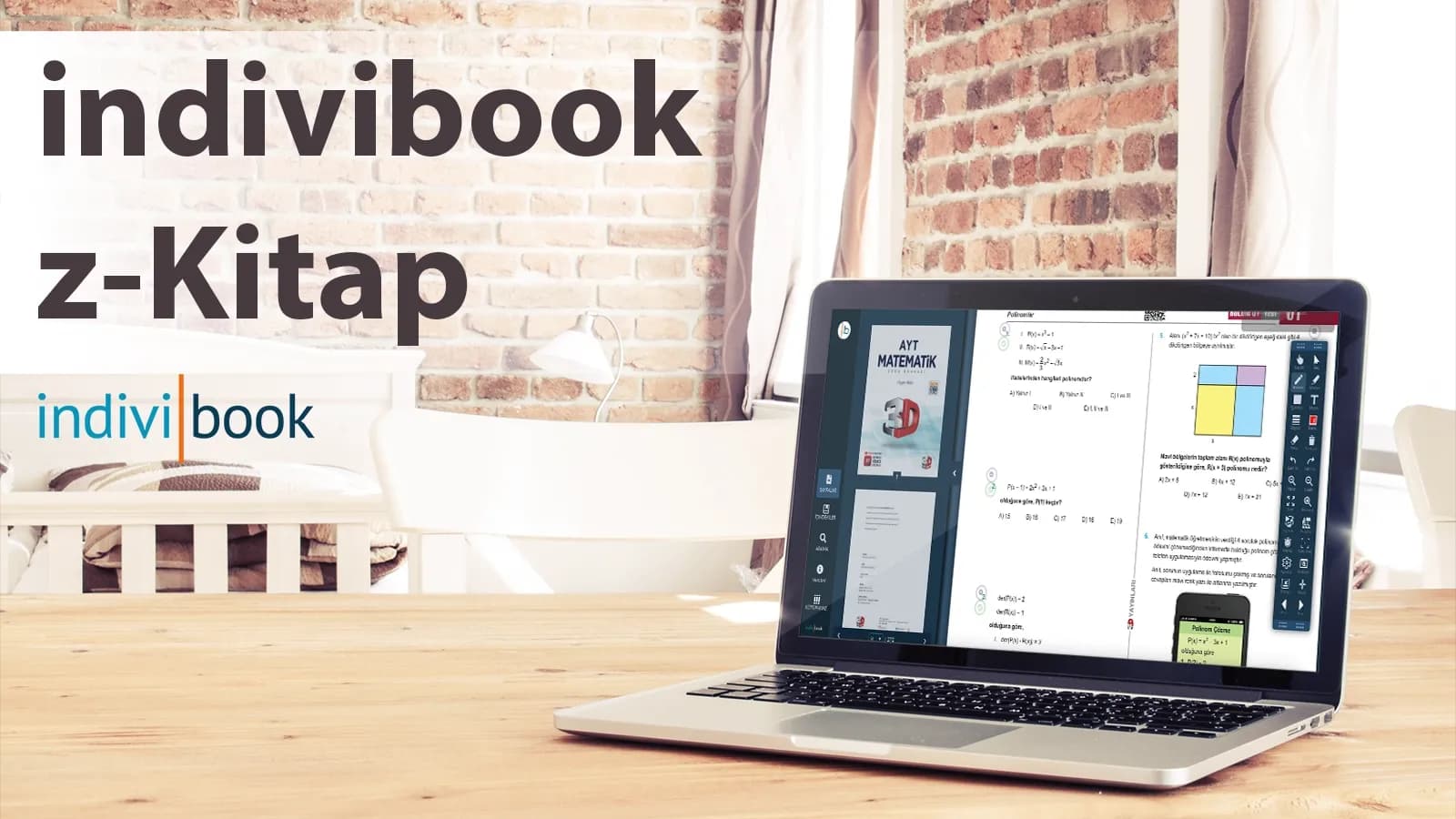
How to Make a z-Book
How to make a z-Book easily with indiviBook: take your print book digital, add interaction and publish for Windows and Pardus, online or offline.
How to Make a z-Book? An Easy, Fast and Smart Solution — indiviBook z-Book:
Why a z-Book?
Today teachers and students want to reach content quickly, accessibly and interactively — and how to make a z-Book with indiviBook is the answer to that need. A z-Book takes your print book into the digital world, making lessons more lively, revision more productive and assessment clearer. It is also compatible with smart boards and works offline even without an internet connection.
A z-Book with indiviBook
indiviBook brings z-Book production for publishers and independent publishers together on a single platform. Upload to the cloud, edit and publish, so teachers can use the content on Windows and Pardus devices, online or offline.
In 4 simple steps
- Prepare your content: add your PDF and images.
- Arrange the pages: make unit and topic headings clear.
- Add interaction: include video, audio, questions and note fields.
- Publish: get a package for Windows/Pardus in a single click and install it offline.
It keeps the process simple enough for anyone to manage comfortably, without drowning in technical detail.
Key Features of a z-Book
- Smart Board Compatible: full screen, zoom, pen and notes speed up the flow of the lesson.
- Online / Offline Working: opens without the internet; receives updates when a connection is available.
- Interactive Pages: video, audio, clickable images, glossary windows, practical exercises.
- Quick Search & Contents: the teacher reaches the right page in seconds during the lesson.
- Easy Updates: correct errors and distribute a new version the same day.
Ease of Use: Tools That Speed Up Your Work, Rather Than Wear You Out:
- Drag-and-drop editing: does not break the flow even while you move pages.
- Template logic: adapt a layout you have prepared once to other books.
- Teamwork: editor, graphic designer and review team can work together on the same project.
- Cloud storage: your files in one place, your versions safe.
Who Is It Ideal For?
- Publishers: serial production, multi-book management, fast updates.
- Independent Publisher/Teacher: those who want to take their own material digital in a short time.
- Schools/Institutions: administrations that want to use their smart board infrastructure productively.
Frequently Asked Questions
Is it hard to make a z-Book?
No. On indiviBook the process consists of a few basic steps and does not require technical expertise.
What if there is no internet on the smart board?
With an offline package the content works without any problem; updates are loaded when a connection arrives.
Does it work on Pardus?
Yes. indiviBook produces an optimised package for Pardus, Mac and Windows.
Is adding interaction required?
It is not required; but short videos, audio explanations and simple exercises strengthen learning in a noticeable way.
Conclusion: a clear answer to “how do you make a z-Book?”
With the right tool, z-Book production becomes an easy, fast and teacher-friendly process. indiviBook z-Book gathers every step from design to publishing in a single panel, saving you time and giving teachers a fluent experience in class.
If you want to turn your books into z-Books, get in touch with indiviBook. Let’s digitise a unit together with a short demo.
A z-Book experience that works in class
Enrich your content with video, audio, interaction and AI, then publish it on Windows, Pardus, iOS and Android from a single setup.